Know whatyou’re owed.
The iPhone hours and pay tracker for shift workers.
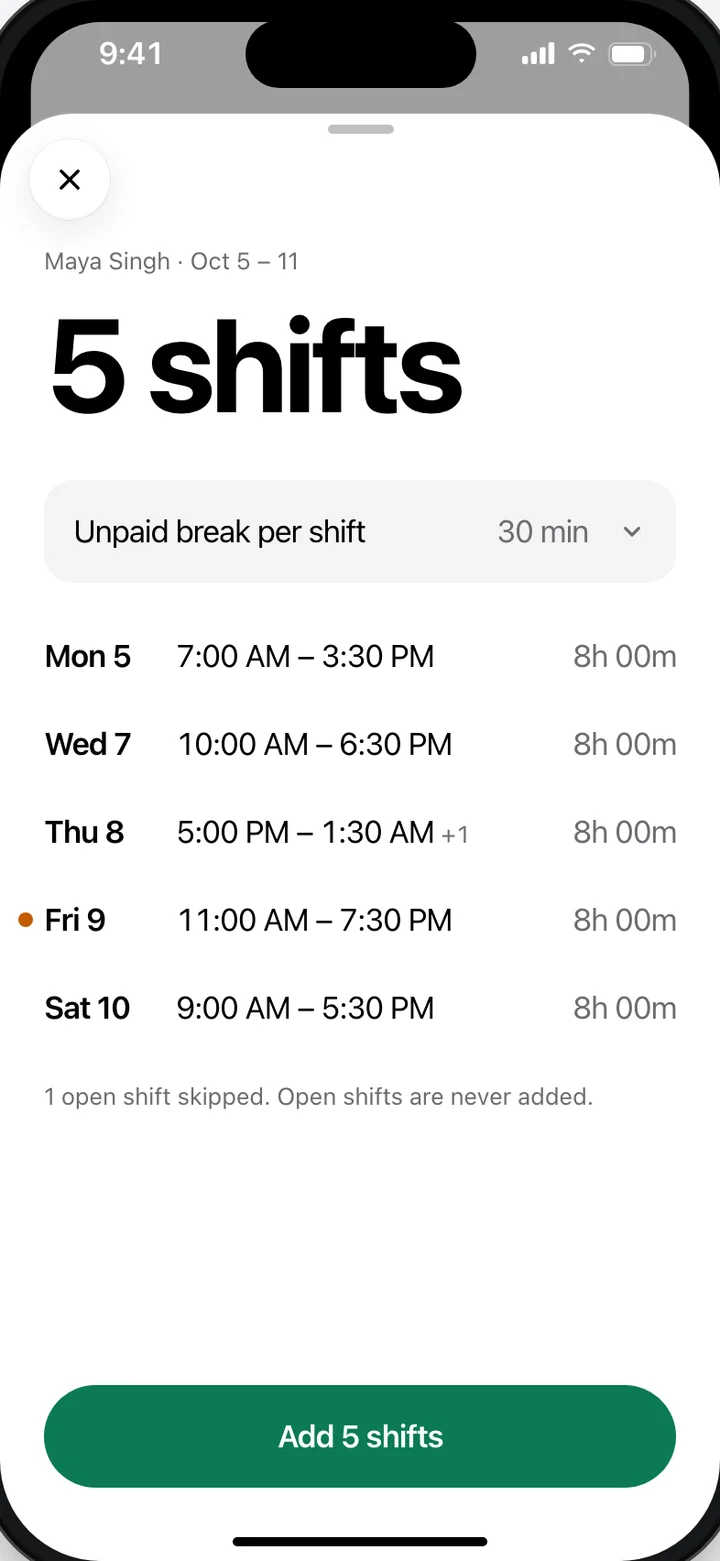
Scan your schedule
Photo or screenshot in, shifts out. Your images never leave your phone.
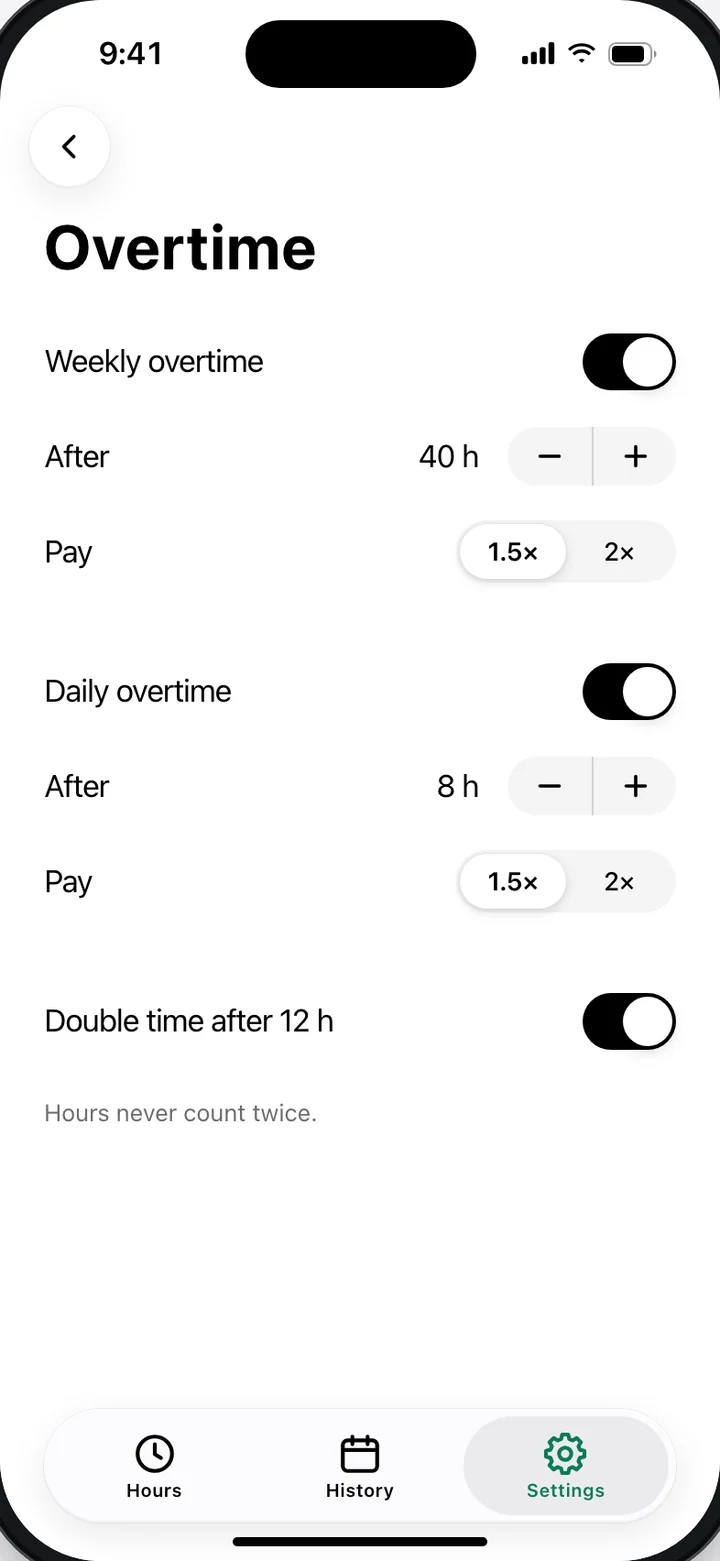
Overtime that adds up
Daily and weekly overtime, holiday pay and pay periods, added up for you.
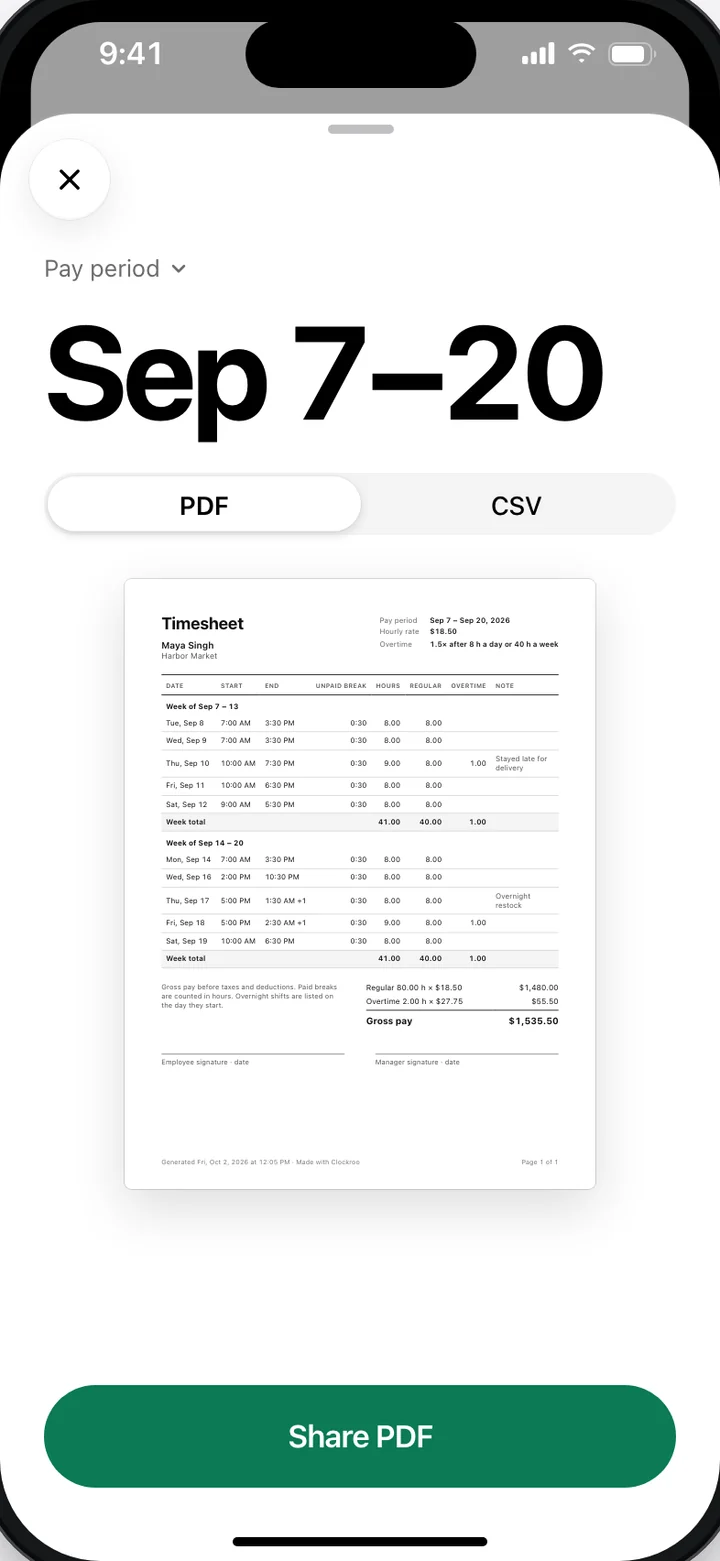
A PDF for payday
Export your timesheet as a PDF or CSV, ready to share.
Free to track. Pro: $19.99/year or $39.99 once.
Questions
How much does Clockroo cost?
Clockroo is free to track your hours: clock in and out, breaks, one job, weekly hours and base pay, Calendar import and unlimited schedule scans. Clockroo Pro costs $19.99 a year or $39.99 once, and adds overtime and pay-period rules, holiday pay, more than one job, and PDF and CSV timesheet export.
Is my data private?
Yes. Photos and screenshots of your schedule are read on your iPhone and are never uploaded. Your jobs, shifts and pay rules sync to your Clockroo account so they survive a lost or replaced phone. We show no ads, sell no data and do not track you across other apps or websites.
Does Clockroo work offline?
Yes. Clocking in and out, adding and editing shifts and scanning a schedule all work without a connection. Your changes sync to your account the next time your iPhone is online.
Which countries does Clockroo work in?
Clockroo is built for hourly and shift workers in the United States, Canada, the United Kingdom and Australia. It runs on iPhone with iOS 26 or later.
How do I delete my account?
In the app, open Settings, then Account, then Delete account. This permanently deletes your account and all your shifts. You can also email support@clockroo.com from the address you sign in with. It does not cancel an App Store subscription, which you manage in your Apple ID settings.